
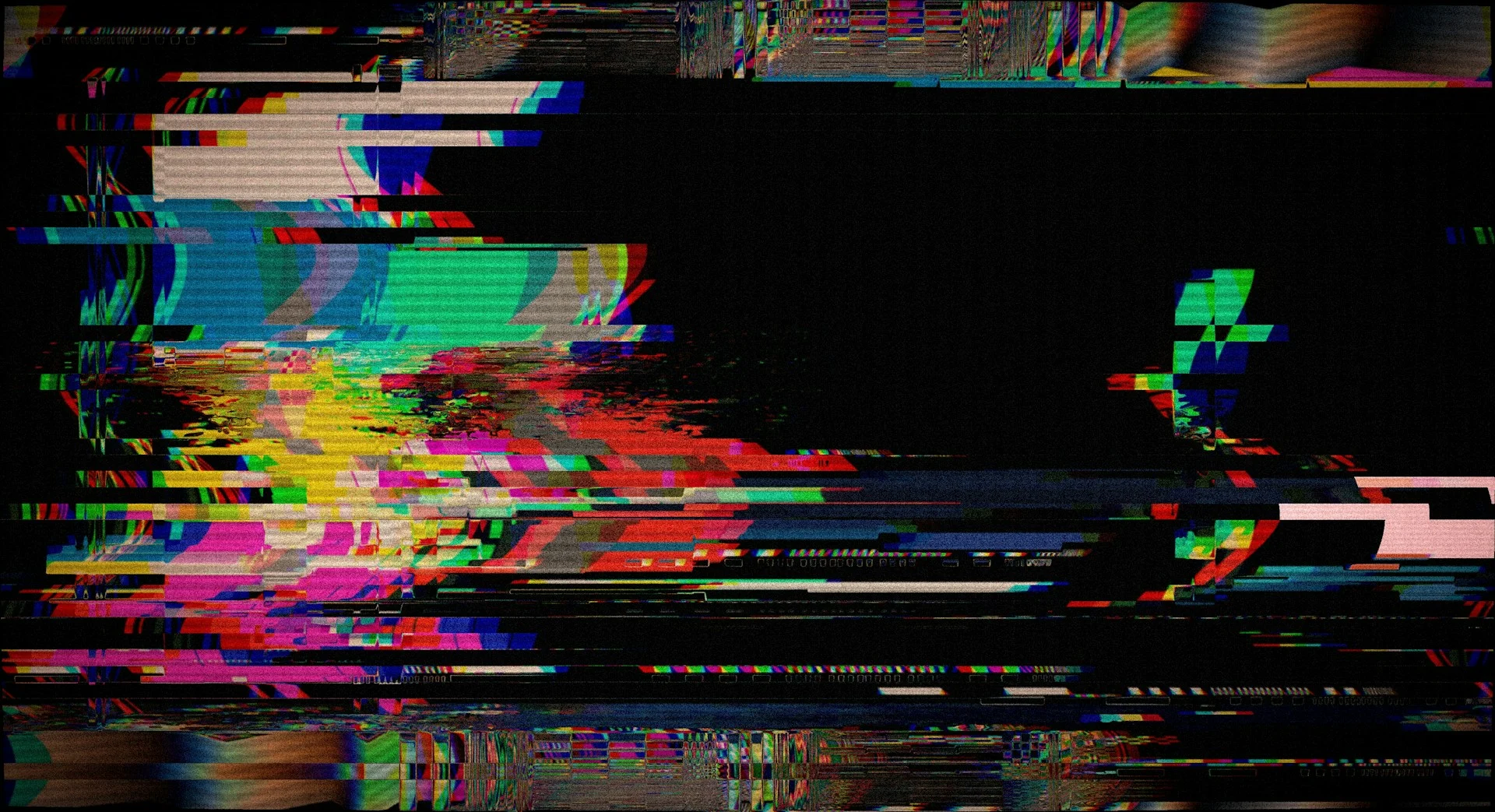
Glitchrupt is a small open-source Mac app that glitches your entire desktop for about 600 milliseconds, with a crackle of sound, when an AI agent is waiting on you. Its author posted it to Hacker News on 25 October 2026 after repeatedly missing their agents’ requests for attention.
The effect is modelled on the screen glitches in the Spider-Verse films. It is a silly idea with a real problem behind it: agents stall quietly, and you only notice twenty minutes later.
Key takeaways
- Glitchrupt is a local macOS app (macOS 14+) released under the MIT license.
- It distorts the whole desktop for roughly 600 ms and plays one of five original crackle sounds.
- Agents trigger it through a command-line tool or a local MCP server.
- Approval waits repeat the cue every 15 minutes until the agent resolves them.
- The app is signed for local testing only, so you build it yourself.
What does Glitchrupt actually do?
According to the project’s GitHub page, it captures your desktop, distorts it briefly, and plays a sound. The sounds are called Classic, Fracture, Brownout, Arc and Stutter, and the author says all of them are original.
A menu bar control lets you pause agent cues, mute sound or quit. There is also a desktop tester so you can preview each variant before an agent ever calls it.
Two safeguards matter. Agent requests share a five-second cooldown, so a chatty agent cannot strobe your screen. And if macOS Reduce Motion is on, desktop effects are suppressed.
How do agents trigger the glitch?
Glitchrupt ships a CLI and a local MCP server. MCP, the Model Context Protocol, is the standard way agents call outside tools. Through it an agent can check status, list sounds, play a cue, register an approval wait, inspect pending waits and resolve them.
The wait feature is the clever part. When an agent registers an approval wait, the cue repeats every 15 minutes until the agent resolves it. Duplicate registrations do not replay the cue.
The repo documents a Codex setup, including an optional hook that plays the initial double cue. Its page says automatic repeats need the explicit wait and resolve workflow, because hook events cannot reliably confirm that an approval was answered. It does not mention Claude Code specifically.
How does it compare with normal notifications?
Most agents already have a built-in route. Claude Code, for instance, has a Notification hook, and its hooks guide walks through a desktop alert for when Claude is waiting for input. On macOS that example uses osascript.
| Approach | Strength | Weakness |
|---|---|---|
| Standard banner via hook | Quiet, familiar, no extra app | Easy to ignore, can fail silently |
| Sound only | Works when you look away | Useless with headphones or mute |
| Glitchrupt | Impossible to miss, covers the whole screen | Mac only, needs screen recording permission |
Banners have a quirk worth knowing. One guide notes that osascript notifications route through Script Editor, so if that app lacks notification permission, the command can fail without any prompt. A loud, full-screen cue sidesteps that kind of silent failure.
What do you need to run it?
The requirements are not trivial. You need macOS 14 or later, Xcode Command Line Tools with Swift, Python 3.11 or newer, and the uv package manager. The install is a build script, then uv sync --locked, then a preview command such as uv run --locked glitchrupt preview --variant classic.
Whole-desktop effects need the Screen and System Audio Recording permission. That sounds alarming, so note what the author claims: everything runs on your Mac, desktop images stay in memory and are discarded after the effect, and nothing is saved or sent anywhere. Because the code is MIT-licensed, you can check that claim yourself.
The app is signed for local testing only. The page says public releases would need signing and notarization, so for now there is no download-and-double-click option. The project also states it is not affiliated with Marvel or Sony.
Is a screen glitch a good idea?
Opinion: for a single agent, probably overkill. For three or four sessions running at once, a cue you cannot ignore is easier to defend. Other builders see the same gap: Agent Island is a status board for Claude Code and Codex sessions aimed at developers who walk away while agents keep working.
There is a flip side. An interrupt that fires whenever an agent asks permission trains you to dismiss it fast. If you are tuning what agents can do unattended, our pieces on scoped agent production access and trimming Claude Code context cover the other half of the problem: fewer, better prompts.
What happens next
The Hacker News post had 1 point and no comments when this was written on 26 October 2026, so it is very early. The main open questions are a notarized public build, support beyond Codex-style setups, and whether the explicit wait and resolve flow becomes something agents do by default.
Agent makers could also ship louder built-in alerts, which would make a project like this less necessary. Until then, small tools like it fill the gap.
FAQ
Does Glitchrupt work on Windows or Linux?
No. It is a macOS 14+ app, and the project page lists no other platforms.
Does it send my screen anywhere?
The page says no. Desktop images stay in memory, are discarded after the effect, and nothing is saved or sent elsewhere.
Can I turn it off or tone it down?
Yes. The menu bar lets you pause agent cues or mute sound, and macOS Reduce Motion suppresses desktop effects. A five-second cooldown also limits repeats.
Next step: if you run agents all day, test your current alert setup by triggering a permission prompt on purpose, then decide whether a banner is enough for you.
Leave a comment